
PDF tool guides
Learn how to use every PDF tool
Clear, original guides for converting, compressing, signing, organizing, and protecting PDFs with privacy-first browser tools.
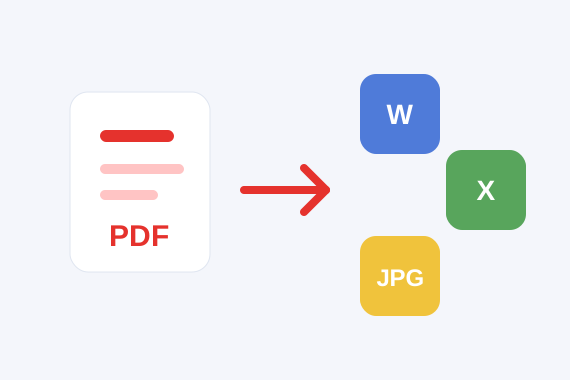
How to use PDF to Word for editable documents
Turn a text-based PDF into a Word document you can edit, quote, or reformat without uploading the file.
Read guideHow to convert Word to PDF for clean sharing
Create a shareable PDF from a DOCX file so the document is easier to send, print, and archive.
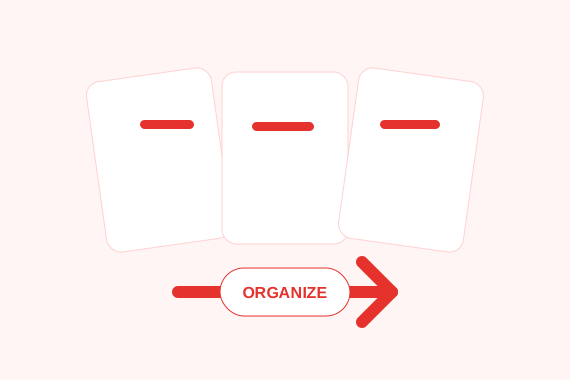
How to merge PDF files into one document
Combine contracts, receipts, forms, or reports into one PDF while keeping control of the page order.
How to split a PDF and extract only the pages you need
Pull out specific pages or ranges from a PDF so you can share a smaller, focused document.
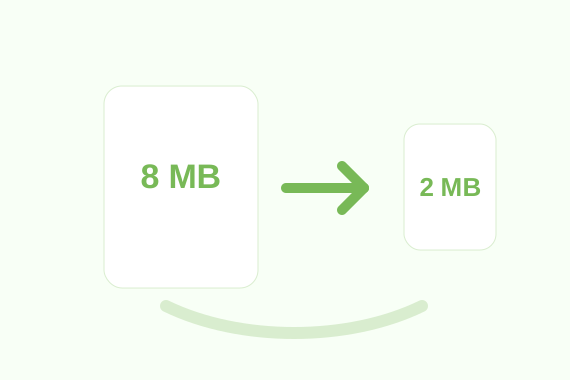
How to compress a PDF for email and uploads
Reduce PDF file size so documents are easier to email, upload, and store while balancing quality.
How to convert PDF pages to JPG images
Export PDF pages as image files for previews, thumbnails, presentations, and quick sharing.
How to convert JPG images into one PDF
Combine photos, scans, receipts, or screenshots into a single PDF that is easier to send and archive.
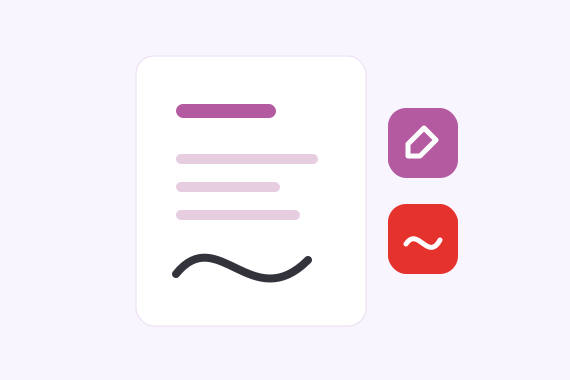
How to edit a PDF by adding text and images
Add simple text notes and image overlays to a PDF without changing the original file.
How to remove a PDF password when you know it
Create an unlocked copy of a protected PDF after entering the correct password locally.
How to sign a PDF online without printing
Draw or upload a signature, place it on the page, and download a signed PDF copy.
How to convert Excel to PDF for sharing
Turn spreadsheet data into a readable PDF when you need a fixed copy for review or printing.
How to convert PDF tables to Excel
Extract table-like text from a clean PDF into a spreadsheet for review, sorting, and cleanup.
How to rotate PDF pages and fix orientation
Turn sideways or upside-down PDF pages into the correct reading direction before sharing.
How to unlock a PDF safely when you have the password
Open a protected PDF with the correct password and download an unlocked copy for your next task.