
Optimize4 min readUpdated 2026-09-22
How to compress a PDF for email and uploads
Reduce PDF file size so documents are easier to email, upload, and store while balancing quality.
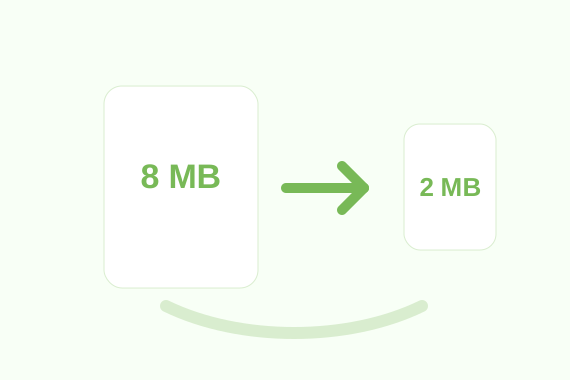
When to use Compress PDF
Use Compress PDF when a file is too large for email, online forms, messaging apps, or storage limits.
- Image-heavy PDFs, scanned documents, portfolios, and forms.
- Reducing attachment size before sending a document.
- Preparing files for websites that limit upload size.
How to use it
- 1Select your PDF document.
- 2Start the compression process.
- 3Wait while the file size is reduced.
- 4Download your smaller PDF file.
How it helps
- Makes sharing faster on slow connections.
- Can reduce storage usage for archived documents.
- Lets you choose the quality level that fits the job.
Practical tips
- Use higher quality for documents that must be printed.
- Use stronger compression for quick previews or email attachments.
- Keep an original copy before heavy compression.
Honest limits
- Compression savings depend on the PDF content.
- Lower quality settings can reduce image sharpness.
Privacy note
Core processing for Compress PDF runs in your browser. That means the selected file is handled locally by the page instead of being uploaded to a conversion API.